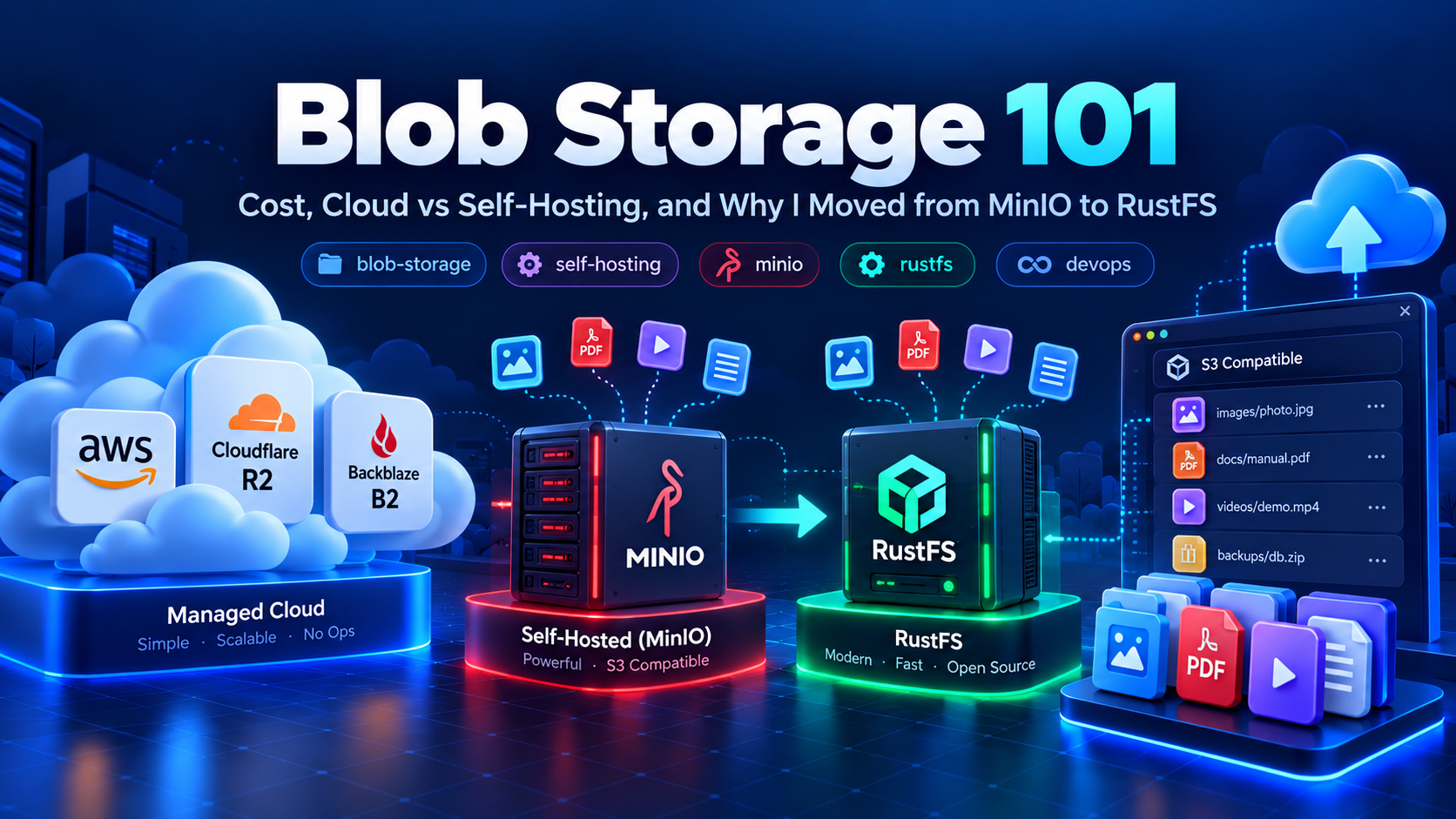
Blob Storage 101: Cost, Cloud vs Self-Hosting, and Why I Moved from MinIO to RustFS
If you've built even a handful of side projects, you've hit this problem: users need to upload files — profile pictures, PDFs, videos, whatever — and you need somewhere to put them. That "somewhere" is blob storage, and deciding where to host it is a bigger decision than it looks at first glance.
I've gone through three phases myself: started with a managed cloud service, moved to self-hosting with MinIO, and recently switched to RustFS. Here's what I learned, and why the switch happened.
What is blob storage, really
Blob storage is object storage — a flat system for storing files as objects, each with a key, instead of a traditional folder hierarchy. You put a file in, you get a URL or key back, and fetch it later. S3 popularized the API pattern, and now almost every alternative, cloud or self-hosted, speaks "S3-compatible" as the default language.
The three things you're always weighing are cost, control, and operational effort. Let's go through each.
Option 1: Buying an external service (AWS S3, Cloudflare R2, Backblaze B2)
This is the path of least resistance. Sign up, get an access key, and you're uploading files in minutes. No servers to patch, no disks to monitor, and durability guarantees that would take real engineering effort to replicate yourself.
The catch is cost — specifically egress. Storage itself is cheap almost everywhere. What gets expensive is bandwidth: every time someone downloads a file from your bucket, you pay for that transfer out. AWS S3 is notorious for this. Services like Cloudflare R2 and Backblaze B2 were built to compete on exactly this axis — R2 has zero egress fees, which matters a lot if you're serving media-heavy content to a lot of users.
For a small project with light traffic, a managed service is usually the right call. The real cost isn't the few dollars a month — it's the time you're not spending on infrastructure.
Option 2: Self-hosting
This is where it gets interesting if you already run a VPS. With spare disk space and a bit of ops tolerance, you can run your own S3-compatible object store and bring storage cost down to roughly the price of the disk itself.
The trade-offs are real:
- You own backups, redundancy, and durability
- You handle scaling if usage grows
- Bandwidth from your VPS provider may not be as cheap or fast as a CDN-backed cloud service
- Security and updates are on you
Self-hosting makes sense when you already have a server running, want to avoid vendor lock-in, or care about full control over your data — for compliance reasons or just personal preference.
Open source options compared
If you're self-hosting, here's roughly how the popular open-source object stores stack up:
- MinIO — for years the default choice. S3-compatible, fast, well-documented, huge community.
- RustFS — a newer, Rust-based S3-compatible object store built for performance and safety, positioning itself as a modern alternative.
- SeaweedFS — good for very large numbers of small files, more distributed-systems-flavored setup.
- Garage — lightweight, geared toward small self-hosted clusters, simpler to operate at small scale.
For most solo developers or small teams, it comes down to MinIO vs RustFS, since both are drop-in S3-compatible and easy to deploy via Docker.
Why I switched from MinIO to RustFS
I actually started my own storage journey with MinIO. It worked well — easy Docker deployment, solid docs, an S3-compatible API that just worked with existing tooling.
The reason I moved away wasn't a technical problem with MinIO — it was a licensing/policy change. MinIO recently tightened restrictions around its web console and how the open-source edition can be used, which made it feel less reliable as a long-term free option for a self-hosted setup like mine.
That pushed me to look for alternatives, and I landed on RustFS. It's S3-compatible, so migrating my existing integration was straightforward, and being written in Rust gives me confidence around performance and memory safety. I'm currently running it self-hosted, and so far it's been a smooth replacement.
The takeaway
There's no universally "correct" choice — it depends on your traffic, budget, and how much ops work you're willing to take on:
- Just building something and want it to work today? Use a managed service like R2 or B2.
- Already have a VPS and want to cut costs? Self-host with an S3-compatible open-source tool.
- Already self-hosting? Keep an eye on licensing changes in your chosen tool — it's not just a technical decision, it's a policy risk too, as I learned with MinIO.
For now, RustFS is doing the job for me. I'll write a more detailed setup/migration guide if there's interest — let me know.
More from the blog
More on the same themes as this post.

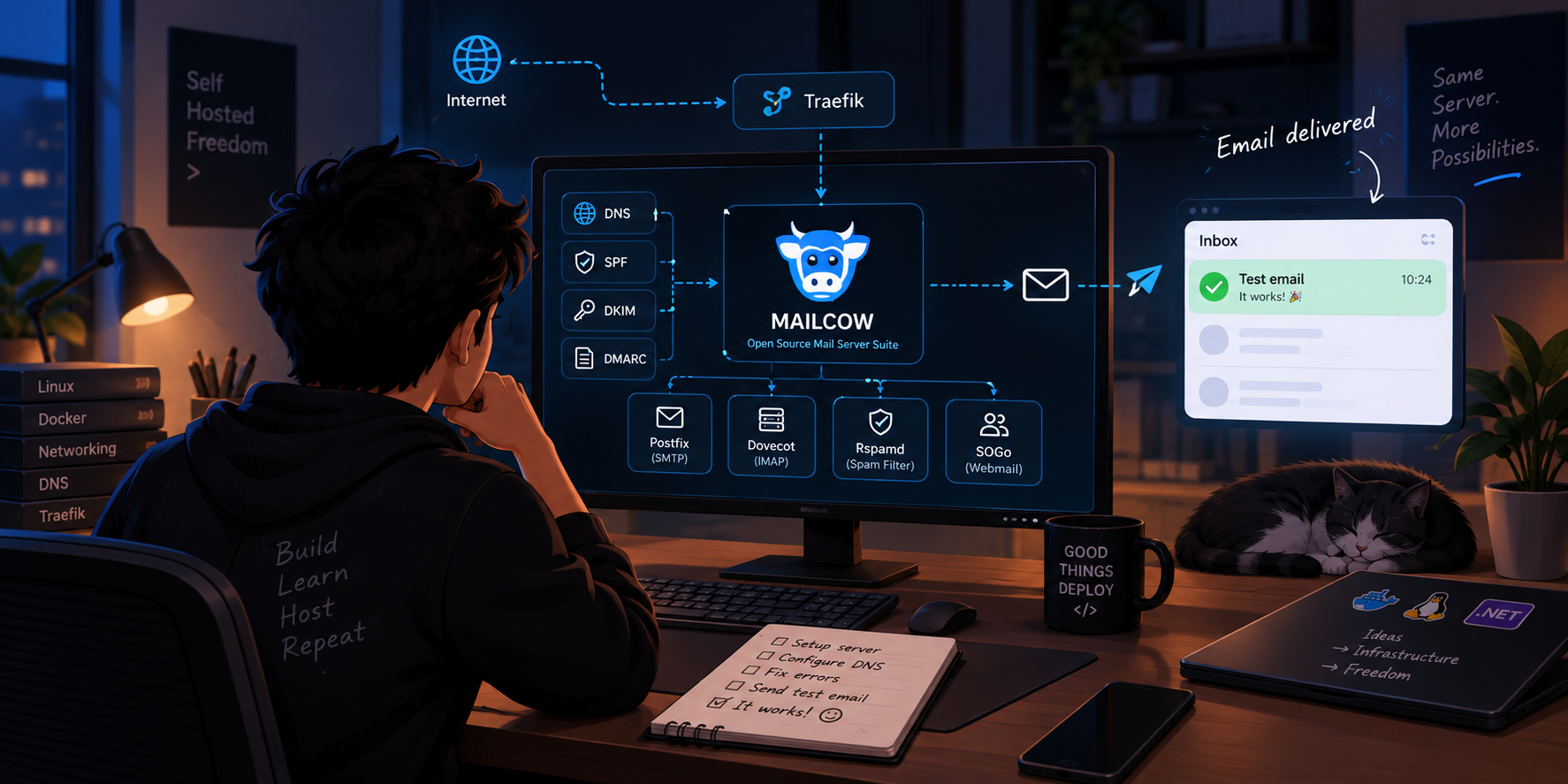
Adding a Custom Domain to mailcow: DNS, Mailboxes and Aliases
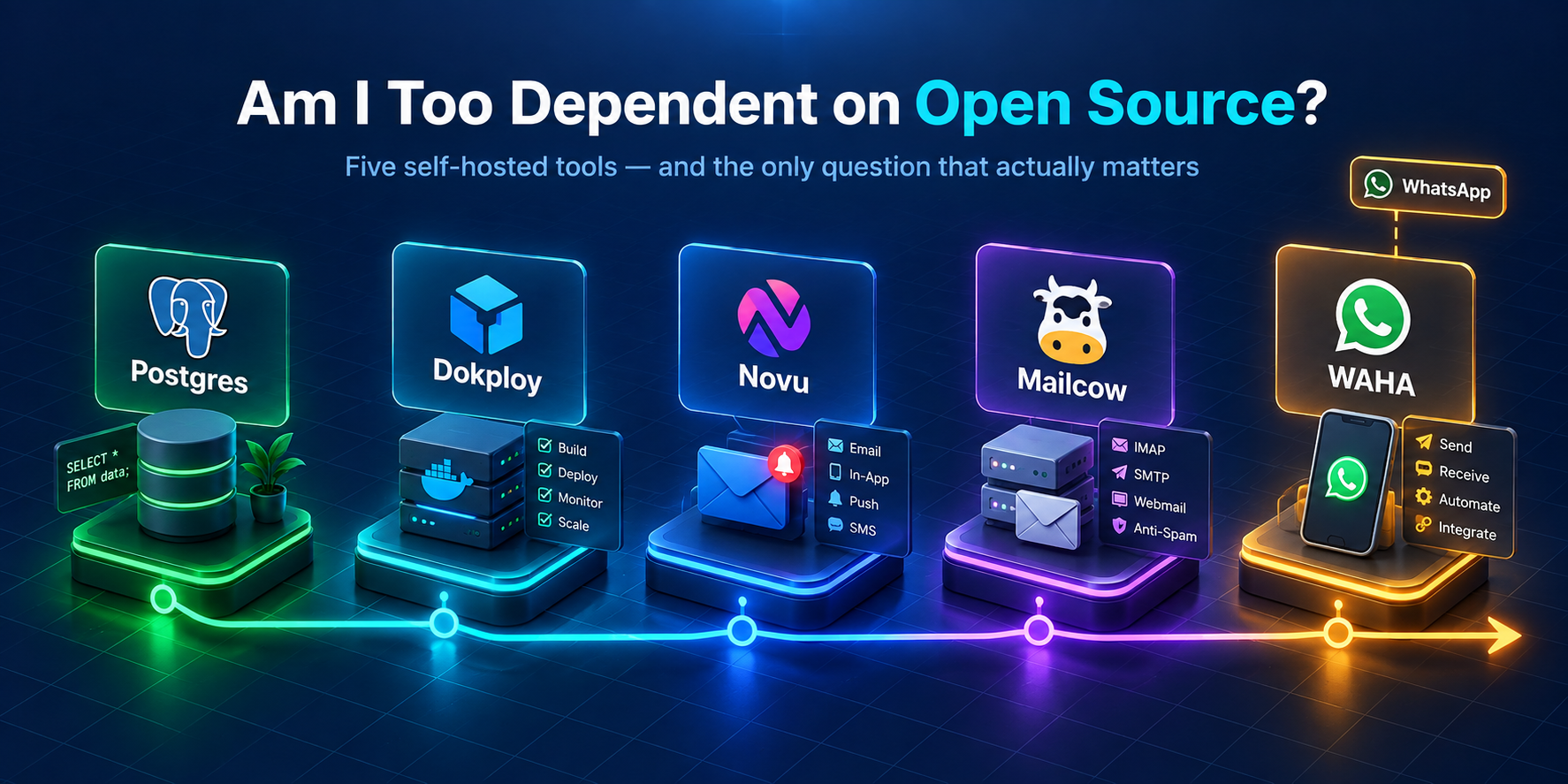
Five open-source tools later, I think I'm dependent — and I can't tell if that's a problem