I Hosted My Own Email Server With Mailcow (And Learned Why It's Harder Than It Looks)
How It Started
About two weeks ago, I was doing what most developers do late at night — scrolling through YouTube "just for a bit." I came across a video of someone walking through how they hosted their own email server. I stopped scrolling.
Until that moment, I genuinely believed email was one of those pieces of infrastructure that only large companies could run — Google, Microsoft, Zoho — the kind of thing you subscribe to, not something you build yourself. I've spent the last year working as a .NET developer, comfortable with APIs, databases, and deployments, but email felt like a different universe entirely: spam filters, deliverability, DNS records I'd never touched, and a reputation system that could silently blacklist you if you got even one thing wrong.
That single video planted a question I couldn't shake: is this actually something I could do myself?
So I decided to find out.
Falling Down the Rabbit Hole
The first few days were pure research. I wasn't trying to build anything yet — I just wanted to understand the shape of the problem. What does "hosting your own email" even mean? Is it one server doing everything, or several services working together? What's the difference between an SMTP server, an IMAP server, and a webmail client? Why do people talk about SPF, DKIM, and DMARC like they're sacred?
I read blog posts, watched more videos, and slowly started piecing together a mental model. Email, it turns out, isn't one thing — it's a small ecosystem of protocols and services that all have to agree with each other and with the outside world (your domain registrar, other mail providers, spam filters) before a single email can reliably land in someone's inbox.
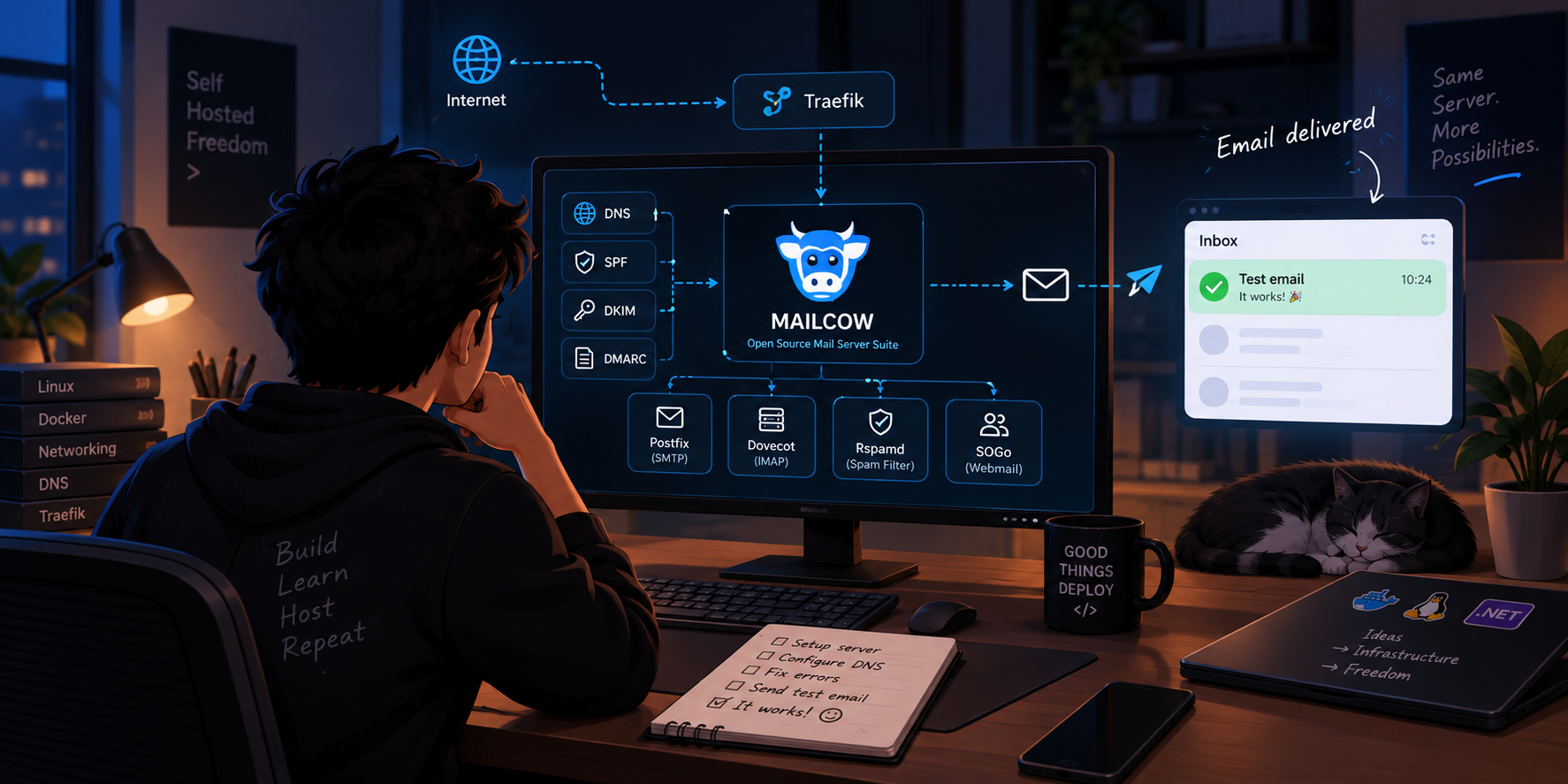
Somewhere in this research phase, I landed on Mailcow — an open-source, Docker-based mail server suite that bundles together everything you'd need: Postfix for SMTP, Dovecot for IMAP, Rspamd for spam filtering, SOGo for webmail, and a clean admin UI to tie it all together. It looked like exactly the kind of project I wanted: complex enough to actually teach me something, but packaged well enough that I wasn't starting completely from scratch.
Choosing to Build on What I Already Had
I already had a Hostinger VPS running Dokploy and Traefik, hosting a few of my personal projects and experiments. Rather than spinning up a brand-new server just for this, I decided to try fitting Mailcow into that existing setup. Partly out of curiosity — could Mailcow coexist with an existing reverse proxy and container setup? — and partly because I didn't want to pay for infrastructure I didn't need yet.
Looking back, this decision taught me almost as much as the mail server itself did. Getting Mailcow, Traefik, and my other services to all agree on ports, networks, and routing was its own small puzzle.
The Trial and Error Phase
If I'm being honest, the setup did not go smoothly. Over the course of about a week and a half, I hit almost every wall you'd expect:
DNS was the first big hurdle. I had to configure MX records, SPF records, DKIM keys, and DMARC policies — all of which needed to be exactly right, with no room for typos or misplaced values. Get one wrong, and your email either doesn't send, or worse, sends but lands straight in everyone's spam folder without any obvious error telling you why.
Ports and networking were the second. Since I was running Mailcow alongside Traefik and other containers, I had to carefully think through which ports needed to be exposed, which needed to stay internal, and how the reverse proxy should route mail-related traffic versus regular web traffic.
Then there was the silent failure problem. A few times, I'd send a test email and… nothing. No error, no bounce, just silence. Debugging this meant getting comfortable reading mail logs — something I'd never really had to do before — and slowly learning to distinguish between a DNS propagation delay, a firewall issue, and an actual misconfiguration in Mailcow itself.
Each of these felt frustrating in the moment, but looking back, they were the most valuable part of the whole process. I wasn't just following a tutorial — I was debugging a real, unfamiliar system the way you'd debug anything in production: log by log, record by record.
The Moment It Finally Worked
After roughly two weeks of poking at it in the evenings and weekends, I sent a test email and — for the first time — it actually arrived. Then I replied, and it arrived back. Then I tested it from a different provider entirely, and that worked too.
There's a very specific kind of satisfaction that comes from fixing something you built piece by piece, especially something as historically intimidating as email infrastructure. It wasn't just "I followed the steps and it worked." It was "I understand why it works now" — which is a very different feeling.
What I'm Still Trying to Understand
Getting the server running was really just the beginning. The bigger, more interesting questions are still open for me:
- What can I actually do with a self-hosted mail server that I couldn't do with a regular provider? Custom automation? Full control over data? Integration with my own tools?
- Why would an organization choose to self-host email instead of just paying for Google Workspace or Microsoft 365? Is it about cost at scale, data sovereignty, compliance, or something else entirely?
- What's the real tradeoff between the control you gain and the operational burden you take on — deliverability, uptime, security patching, spam management — all of which a managed provider normally handles for you?
I don't have clean answers to these yet, and I'm okay with that. Right now this is less about having built "a thing" and more about slowly forming a real mental model of how email infrastructure actually works — something I'd only ever taken for granted before.
A Quick, Honest Thanks to AI
I want to be upfront about something: I don't think I would have gotten through this in two weeks without AI helping me think things through along the way.
Every time I hit a wall — a confusing DNS propagation delay, a config option I didn't understand, or just not knowing what to search for next — I could describe the problem, get a direction to investigate, and keep moving instead of getting stuck for hours. It didn't hand me the answers outright; it helped me brainstorm faster, ask better questions, and avoid a lot of the dead-end searching that usually eats up the most time when you're learning something new from scratch.
Without it, I think this project would have taken significantly longer, with a lot more time lost just wandering the web trying to piece together fragmented documentation and outdated blog posts.
It's a good reminder that learning complex, unfamiliar infrastructure doesn't have to be the slow, solitary grind it used to be. You can still do the real work — the debugging, the reading, the trial and error — but you don't have to do it alone.
What's Next
This post is really just the "I did the thing, and here's what I'm thinking about" checkpoint. From here, I want to:
- Dig deeper into the operational side of running mail infrastructure — monitoring, backups, and long-term maintenance
- Explore setting up newsletters through the same infrastructure
- Eventually write a proper technical walkthrough of the actual Mailcow setup, DNS configuration, and Traefik integration, for anyone else curious enough to try this themselves
If you've ever wondered whether hosting your own email server is something a regular developer can actually do — the answer is yes. It's not trivial, and it will test your patience more than once, but it's absolutely learnable. And honestly, that's exactly why I wanted to try it in the first place.
More from the blog
More on the same themes as this post.
Five open-source tools later, I think I'm dependent — and I can't tell if that's a problem
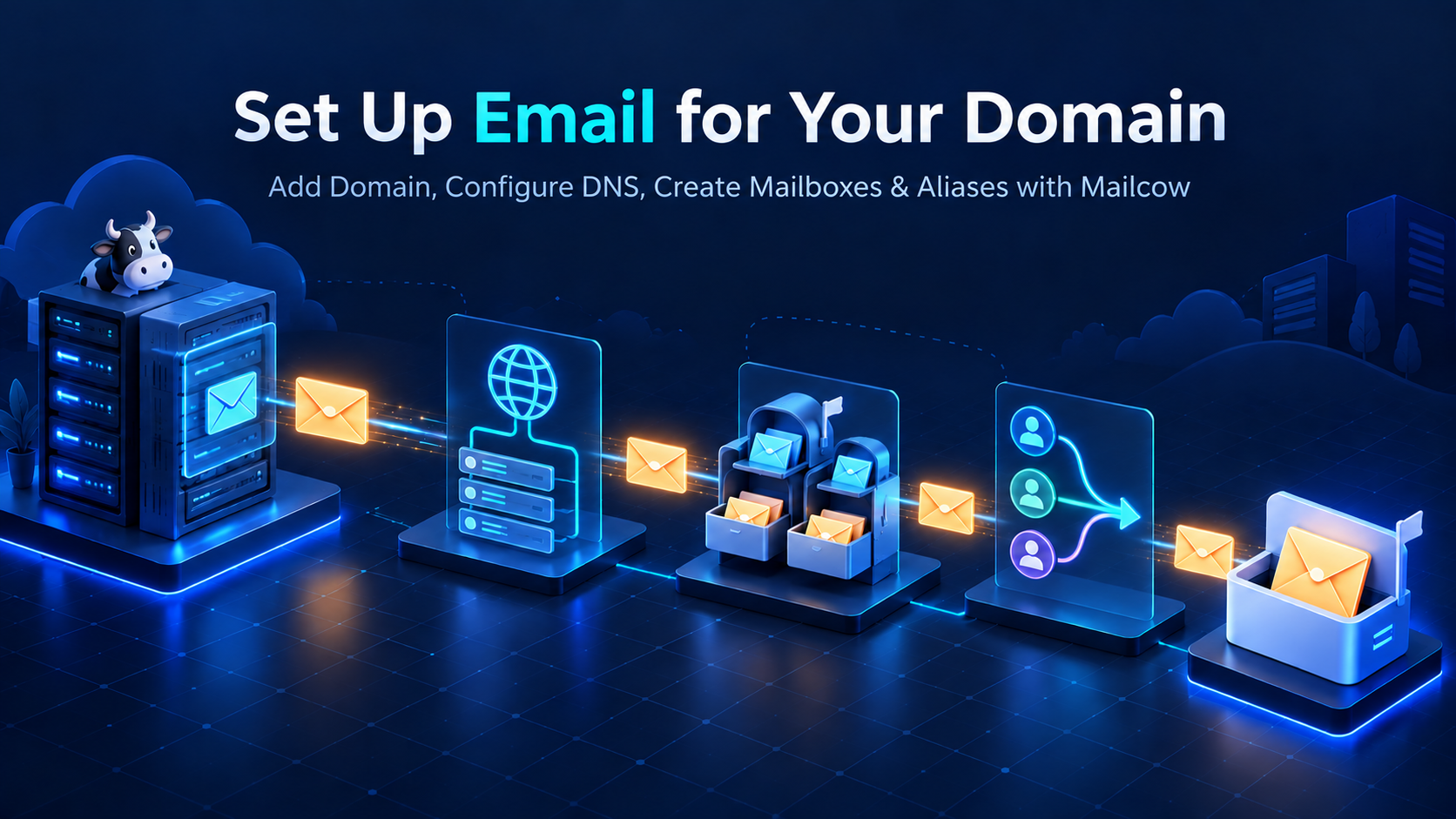
Adding a Custom Domain to mailcow: DNS, Mailboxes and Aliases