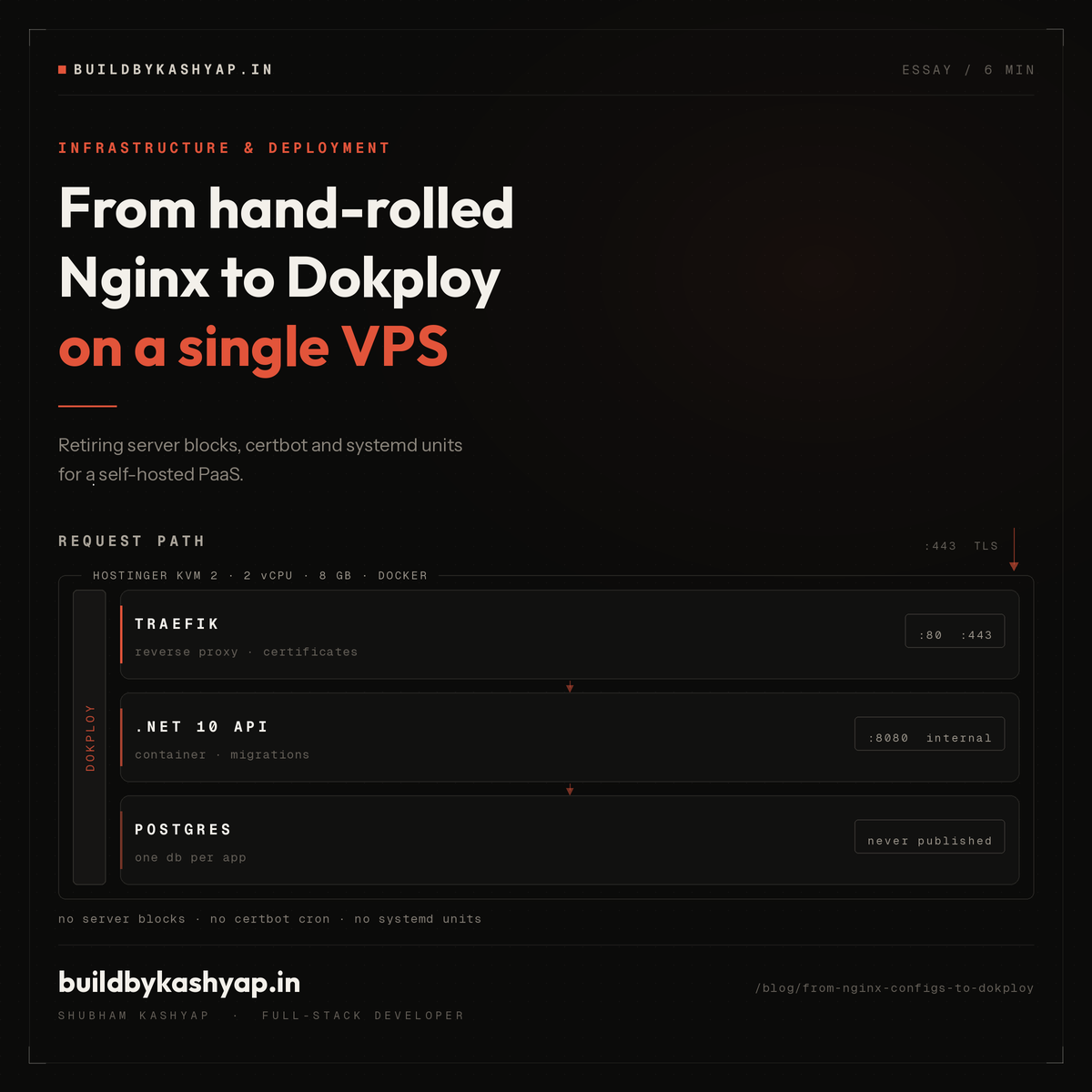
Meet Suggu: safe .NET workspace automation from the terminal
Suggu started with a simple question: how much developer time disappears into work that is necessary, repetitive, and just inconvenient enough to interrupt flow?
Creating a project. Adding a class in the right folder and namespace. Checking references. Understanding a solution you did not create. Finding a file. Diagnosing a build. Repeating the same multi-project setup for the next repository.
None of these tasks is individually difficult. Together, they create a steady tax on .NET development.
That is the problem Suggu is built to solve.
What is Suggu?
Suggu is a cross-platform .NET 10 productivity CLI for filesystem work and ordinary .NET solutions. It gives developers one predictable command surface for creating, inspecting, diagnosing, and automating project work.
It is intentionally architecture-neutral. Suggu does not require projects named Domain, Application, or Infrastructure, and it does not force a specific folder layout. It discovers the solution or project you are already working in and operates within that context.
The result is a tool that can help with a small console project, an ASP.NET Core API, an MVC application, or a larger multi-project solution without asking the codebase to conform to Suggu first.
One tool for the work around the code
Suggu currently covers four broad workflows.
Create
Create files and folders from any directory, scaffold Web API, MVC, console, class-library, and test projects, and add namespaced classes, interfaces, controllers, and JSON files through either guided prompts or explicit arguments.
Inspect
Explore folder trees, file sizes, project frameworks, NuGet packages, references, solution structure, and recently changed files. Suggu can also locate and preview source files without leaving the terminal.
Diagnose
Check project-reference chains, detect missing or circular references, run builds, render compiler and MSBuild diagnostics clearly, and conservatively trace an endpoint from a controller through source-resolvable handlers, services, repositories, and mappings.
Automate
A project-owned docs/SUGGU-RULEBOOK.md can define reusable, multi-step commands. A rulebook can repeat a local workflow—such as creating an entity and its related files—or bootstrap a complete solution with projects, references, packages, configuration files, and folders.
A few examples:
suggu create project
suggu project info
suggu check build
suggu check flow --controller Orders --method GetById
suggu rb setup architecture --dry-run
Interactive commands remain friendly when a developer is at the keyboard. Explicit arguments and stable output make the same commands useful in scripts and automation.
Why this matters for Codex and Claude Code
Coding agents are good at reasoning across a repository, but many implementation tasks eventually become filesystem and project operations: create these files, add that reference, inspect this solution, validate the build, or repeat this structure.
Without a dedicated tool, an agent often reconstructs those operations from shell commands and repository assumptions. That can work, but it creates avoidable variability.
Suggu provides a narrower and more dependable execution layer. Codex or Claude Code can reason about the desired change, then delegate structured workspace work to commands that already understand .NET projects, solution discovery, namespaces, references, packages, path containment, dry runs, and idempotency.
The combination is useful:
- The coding agent handles context, intent, and implementation decisions.
- Suggu handles repeatable workspace operations with predictable safety rules.
- The developer retains an inspectable command and plan instead of an opaque sequence of shell mutations.
Suggu does not replace a coding agent, and a coding agent does not replace Suggu. They solve different layers of the workflow.
Safety is part of the product
Automation is only valuable when it is trustworthy.
Suggu preserves existing source files unless --force is explicit. Creation commands do not delete. Filesystem removal lives under dedicated suggu remove commands, with protection against filesystem-root or selected-parent deletion.
Planning is centralized, which gives built-in commands and rulebooks consistent behavior:
--dry-runpreviews work without writing.- Existing correct projects, references, packages, folders, and files are skipped.
- Invalid identifiers, duplicate outputs, unknown placeholders, and escaping paths fail before execution.
- A failed operation stops the remaining plan and reports where it failed.
- Rulebooks are declarative and cannot execute arbitrary shell commands.
That safety model is especially important when commands are invoked by automation.
Where Suggu is today
Suggu is no longer only an experiment or a command sketch. Version 0.5.3 is packaged as a .NET global tool and runs on Windows, Linux, and macOS with the .NET 10 SDK.
The current verification baseline includes:
- 58 automated tests passing
- A full Release build with 0 warnings and 0 errors
- An end-to-end rulebook that bootstrapped an eight-project solution
- Successful repeat execution with no duplicate changes
- Installed smoke checks across creation, inspection, diagnostics, and rulebook workflows
The console experience now carries a compact workspace-tree identity:
           ╭───╮
        ╭──┤ S ├──╮
        │  ╰───╯  │
       ■           ■
    PROJECT      FOLDER

       S U G G U
   BUILD · INSPECT · AUTOMATE
What comes next
The direction is deliberately practical: keep expanding the workflows developers repeat, maintain architecture neutrality, and preserve the safety guarantees that make the CLI suitable for both humans and agents.
If you work in .NET and regularly find yourself rebuilding the same project operations, Suggu is designed for that exact gap.
Explore the source, current commands, and installation guide on GitHub.
Build. Inspect. Automate. Then get back to the code.
More from the blog
More on the same themes as this post.
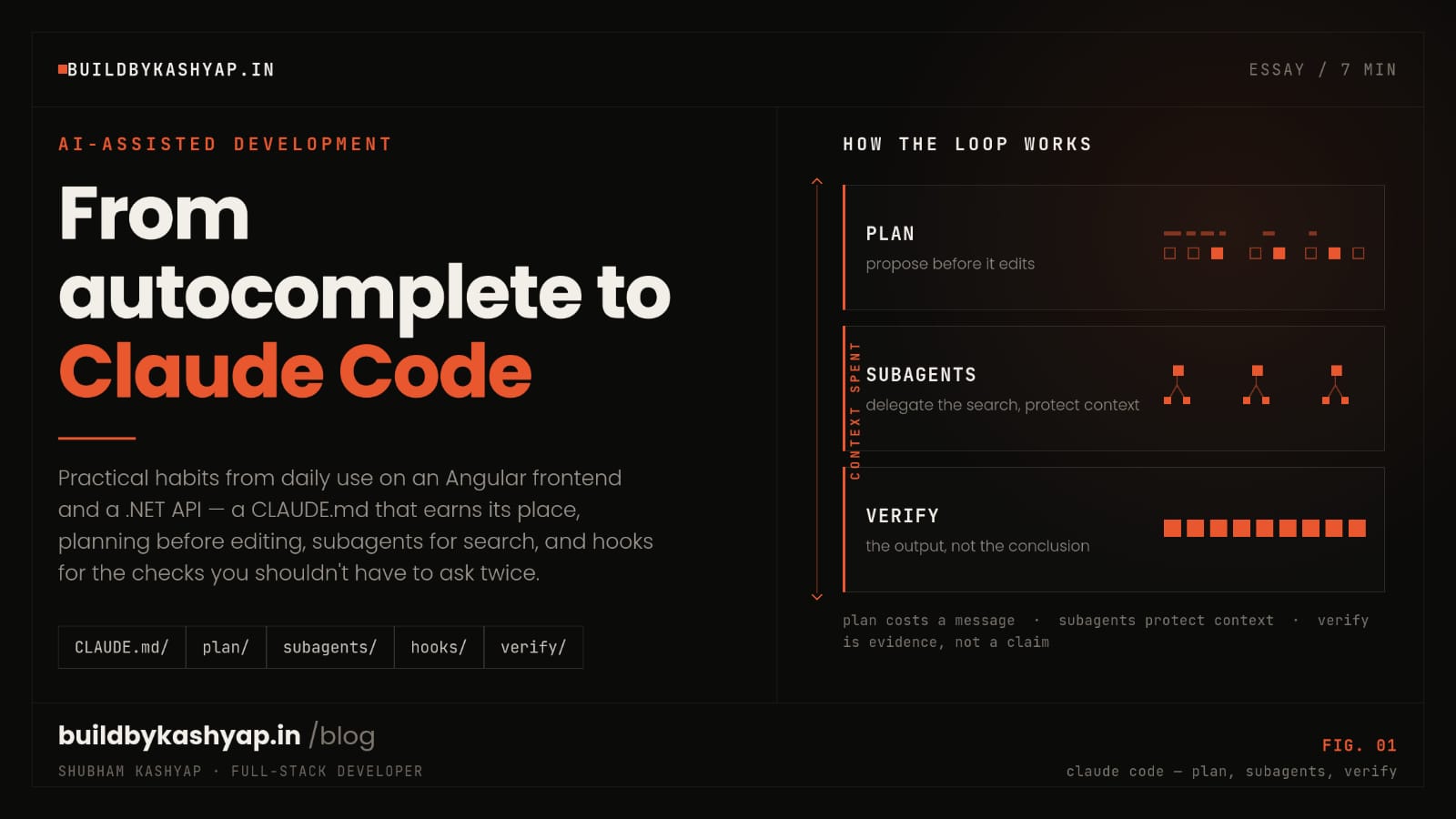
From autocomplete to Claude Code: how I actually use an AI agent on a real codebase
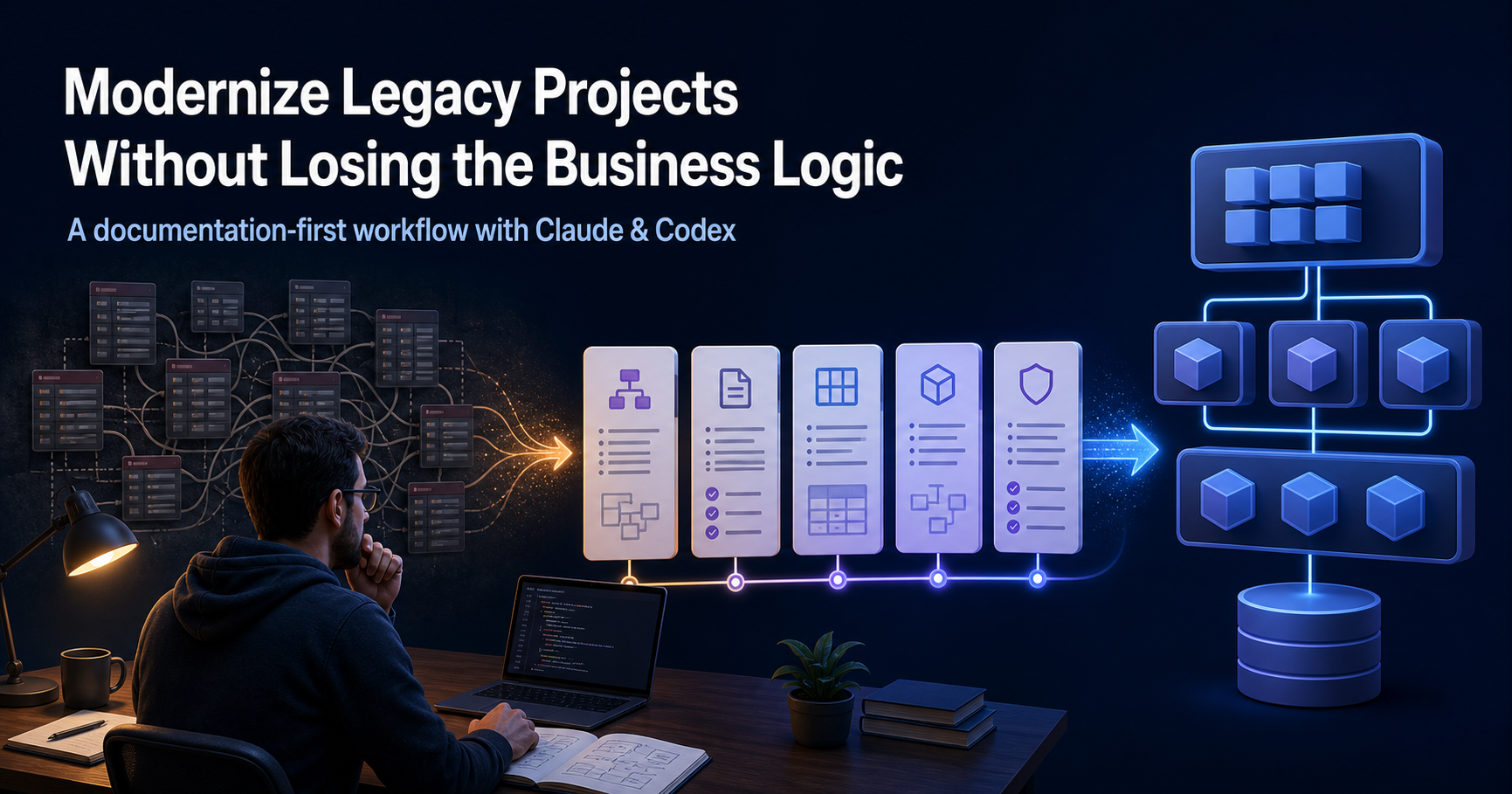
How I Modernized a Legacy Project in Two Weeks Using Claude and Codex