WordPress vs a Custom-Coded Website: Which One Should a Small Business Pick in 2026?
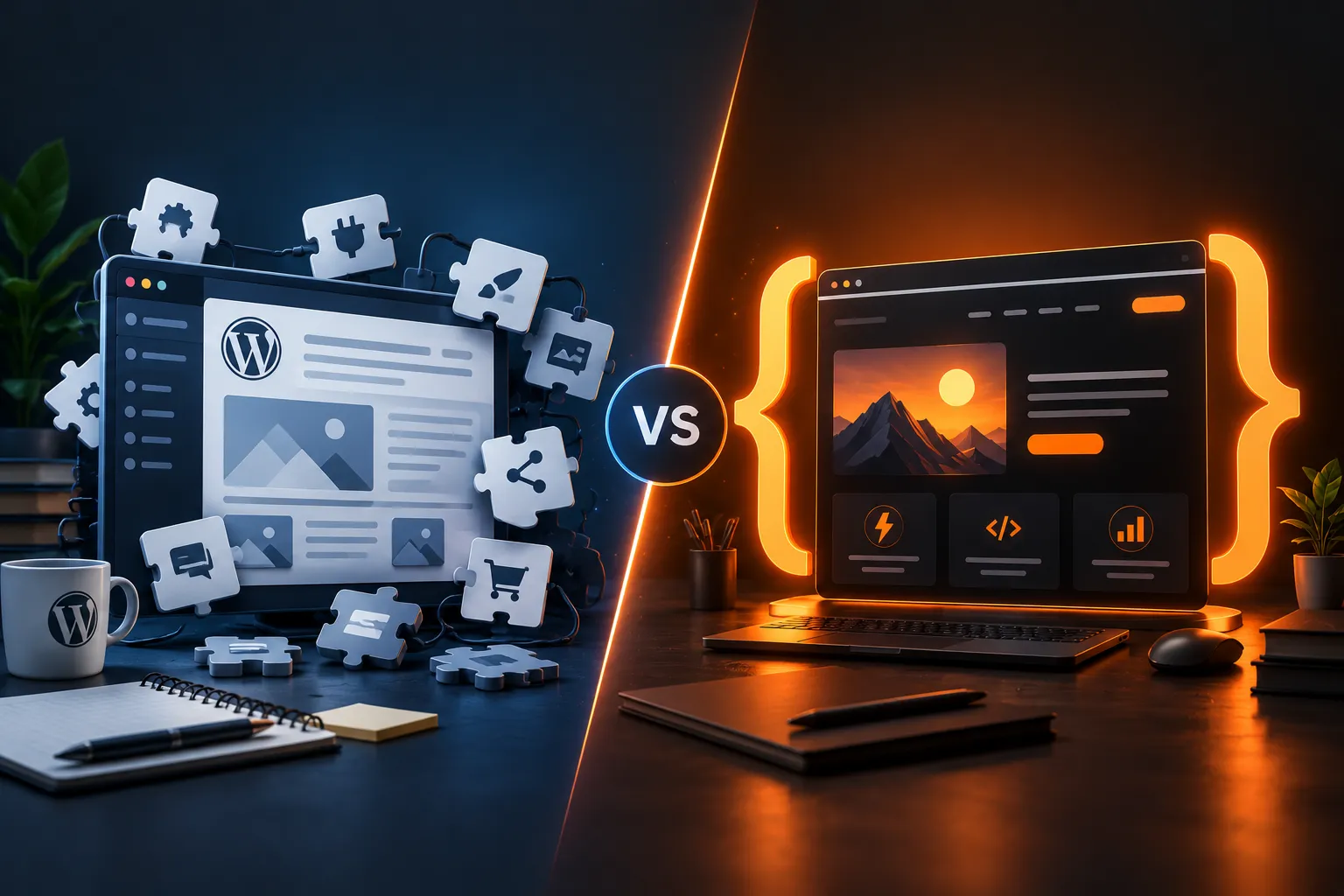
I build custom-coded websites for a living, and I still tell some people to use WordPress instead. If all you need is a blog you update every week, a contact form and a gallery, a custom build costs you more and gives you nothing extra.
That's the honest answer to "WordPress vs custom website": neither one is better. One of them is right for your business, and you can usually tell which in about five questions. This guide walks through the real differences in cost, speed, security and upkeep, with the numbers I see on actual projects in India, so you can decide before you talk to a single developer.
What's inside
- The short answer
- What "custom-coded" actually means
- Cost over three years, not just launch day
- Speed: why it matters more than you think
- Security and maintenance
- Editing content yourself
- Two typical scenarios
- Common mistakes when choosing
- The 5-question decision checklist
- FAQ
1. The short answer
Choose WordPress if you will publish or edit content often, your budget is under roughly ₹40,000, and every feature you need already exists as a well-maintained plugin.
Choose a custom-coded website if page speed affects your sales, you need logic no plugin does well (custom quotes, bookings tied to your own system, member areas, integrations), or you want a site that needs almost no maintenance.
Everything below explains why, so you can check which situation you're actually in.
2. What "custom-coded" actually means
People hear "custom" and imagine something expensive and fragile. In practice, a modern custom site for a small business is usually:
- Built with a framework like Angular, React, Next.js or Astro rather than hand-written HTML for every page.
- Pre-rendered to static pages, so the server just hands over finished HTML. There is no database to hack and nothing to "update" every week.
- Hosted cheaply: a static site can run on a small VPS or a free/low-cost static host.
- Edited through a simple admin panel or a headless CMS if you need to change content yourself.
WordPress, by contrast, is a content management system that runs PHP and a database on every request (unless you add caching), and gets most of its features from themes and plugins written by different people.
Neither approach is "old" or "new". They are different trade-offs.
3. Cost over three years, not just launch day
This is where most people decide wrongly. They compare quotes for the build and ignore what it costs to keep the site alive.
Here is a typical small-business brochure site (5–8 pages, contact form, simple blog) as I see it priced in India in 2026:
| Cost item | WordPress | Custom-coded (static) |
|---|---|---|
| Build | ₹15,000 – ₹40,000 | ₹30,000 – ₹80,000 |
| Hosting per year | ₹3,000 – ₹8,000 (PHP + database) | ₹0 – ₹4,000 (static) |
| Premium theme / plugin licences per year | ₹3,000 – ₹15,000 | Usually ₹0 |
| Maintenance (updates, fixes) per year | ₹6,000 – ₹24,000 | ₹0 – ₹6,000 |
| Rough 3-year total | ₹51,000 – ₹1,81,000 | ₹30,000 – ₹1,10,000 |
These are ranges, not quotes, and your project can sit anywhere in them. The pattern is the point: WordPress is usually cheaper to launch, and custom is often cheaper to own. A WordPress site with 20 plugins, a premium page builder and a paid security add-on can overtake a custom build by year two.
When you collect quotes, ask every developer the same thing: "What will this cost me per year after launch, and what happens if something breaks?"
If you want a deeper breakdown of how developers price work, I wrote one for web apps: How much does a web app MVP really cost in 2026?
4. Speed: why it matters more than you think
Google uses Core Web Vitals (how fast the main content appears, how quickly the page responds, how much it jumps around) as a ranking signal, and visitors leave slow pages. On mobile data in India, that difference is very visible.
- A lean WordPress site with a light theme, caching and optimised images can be fast. Most aren't, because page builders and plugins each add their own CSS and JavaScript.
- A pre-rendered custom site starts fast by default: no database query, no plugin code, just HTML, CSS and images. You have to work to make it slow.
My rule: if your site exists to bring in leads or sales from Google, speed is not a nice-to-have. Test any site you like with PageSpeed Insights and look at the field data for mobile, not just the score.
I go through exactly what I check in What I check in a free website audit.
5. Security and maintenance
WordPress powers a huge share of the web, which also makes it the most attacked platform on it. The core software is well maintained. The risk comes from outdated plugins and themes. Security firms like Patchstack and Wordfence report that the large majority of WordPress vulnerabilities are found in plugins, not in WordPress itself.
That means a WordPress site needs someone to:
- update core, themes and plugins regularly,
- check the site still works after each update,
- keep backups and know how to restore them.
A static custom site has a much smaller attack surface. There is no login page for strangers to hammer and no plugin code running on every request. Maintenance is mostly renewing the domain and updating content.
If nobody on your side will log in once a month to update things, factor in a maintenance plan or choose the option that needs less of it.
6. Editing content yourself
This is WordPress's real strength. Its editor is familiar, there are endless tutorials, and you can hire someone cheaply to help.
Custom sites have caught up here, but you need to ask for it:
- Admin panel built into the site: my own site has one. I write a post, set a publish time, and it goes live on schedule.
- Headless CMS (Sanity, Strapi, Directus and similar): you edit in a friendly dashboard, and the site rebuilds itself.
- No editing at all: fine for a site you update twice a year. Your developer makes changes for you.
If your developer's plan for "how will I change my opening hours?" is "message me", decide if you're happy with that before you sign.
7. Two typical scenarios
Scenario 1: a home bakery → WordPress. Picture a home baker who wants a menu, a gallery, a blog for recipes and an enquiry form, and plans to post twice a week, on a budget of about ₹25,000. WordPress with a light theme, a forms plugin and good hosting is the right answer. Custom would cost double and make weekly posting harder.
Scenario 2: a B2B consultant → custom. Now picture a consultant who gets most leads from Google and LinkedIn, wants a site that loads instantly, a lead form connected to WhatsApp, and zero time spent on updates. A custom build costs more upfront, but runs on near-zero hosting, has nothing to patch, and sends every lead straight into their workflow.
Same question, opposite answers, because the businesses work differently.
8. Common mistakes when choosing
- Comparing only the launch price. Ask for the yearly running cost.
- Choosing WordPress and installing a plugin for everything. Each plugin is more code, more updates and more risk. Ten is a lot; thirty is a problem.
- Choosing custom without any way to edit content. If you'll update often, make editing part of the scope.
- Not owning your domain and hosting. Whatever you choose, the domain must be registered in your name.
- Thinking Instagram is enough. It isn't your website. I wrote about why in Your Instagram isn't a website.
9. The 5-question decision checklist
Answer these honestly:
- Will you add or edit content every week? Yes leans WordPress.
- Do you need features no standard plugin does well? Yes leans custom.
- Does page speed directly affect your leads or sales? Yes leans custom.
- Is your total budget under about ₹40,000? Yes leans WordPress.
- Who will maintain the site after launch? "Nobody" leans custom; "my developer, on a plan" makes either work.
If you got three or more answers pointing the same way, you have your answer.
FAQ
Is WordPress bad for SEO?
No. WordPress can rank very well. SEO problems usually come from slow themes, too many plugins, and thin content, not from WordPress itself.
Is a custom website harder to update?
Only if it was built without an editing option. Ask your developer for an admin panel or a headless CMS if you'll update content yourself.
Can I move from WordPress to a custom site later?
Yes. Content can be exported, and with proper 301 redirects from old URLs you can keep your Google rankings. Plan the redirects before you switch.
What about Wix, Squarespace or Shopify?
They're good for getting online quickly with no developer. The trade-off is less control, monthly fees that keep going, and limits on speed and custom features. For an online store, Shopify is often the sensible choice.
How long does each take to build?
A simple WordPress site can be ready in 1–2 weeks. A custom small-business site usually takes 2–4 weeks, depending on content and features.
Not sure which fits you?
Send me your business and what you want the site to do. I'll tell you honestly whether WordPress or a custom build is the better fit, even if the answer is "you don't need me".
More from the blog
More on the same themes as this post.

Your Instagram Isn't a Website: Why Small Businesses & Creatives Need Their Own Online Home
What I Check in a Free Website Audit (and the 3 Fixes That Matter Most)